 SERENALIN.DESIGN
05 · Payment Experience
Designing a Better Payment Experience
Improving payment confidence through clearer interaction feedback, streamlined device setup, and cohesive motion—helping guests complete transactions successfully on the first attempt.
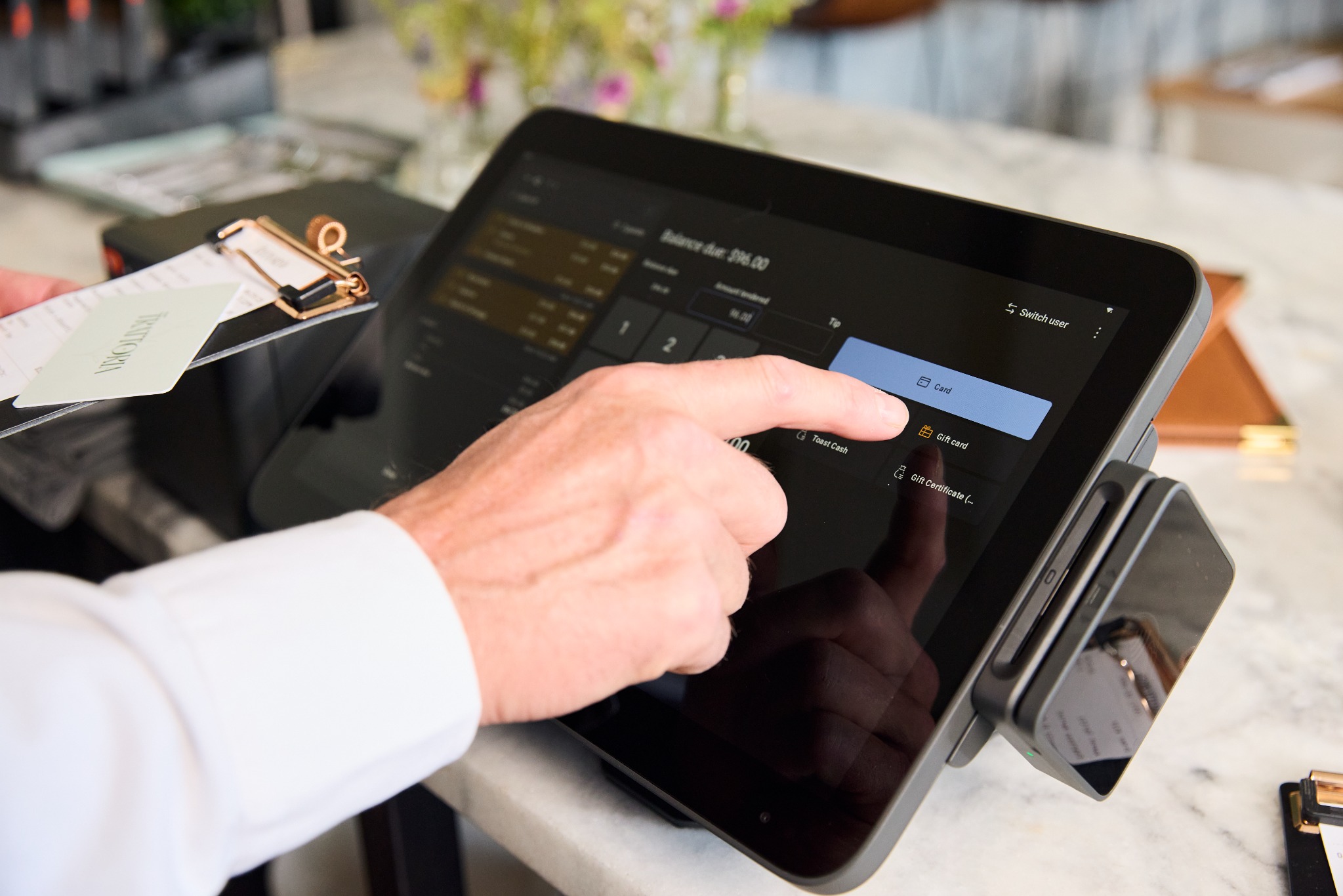
- Role
- Product Designer
- Timeline
- 2024–2026
- Platforms
- Android POS, Payment Hardware
- Scope
- Payment, Interaction Design, Motion
- Status
- Concept tested
Challenge
Hardware constraints and competing on-screen cues led guests toward the most prominent interaction—even when the payment action happened somewhere else.
Approach
I explored clearer visual hierarchy and motion cues that directed attention toward the card reader at the moment of payment.
Result
The tested animation improved first-attempt payment success by 53% in the initial concept study.
Next
Additional customer testing—especially in kiosk setups—is still needed to understand the real-world impact across device contexts.
Challenge
Design within—and beyond—the constraints
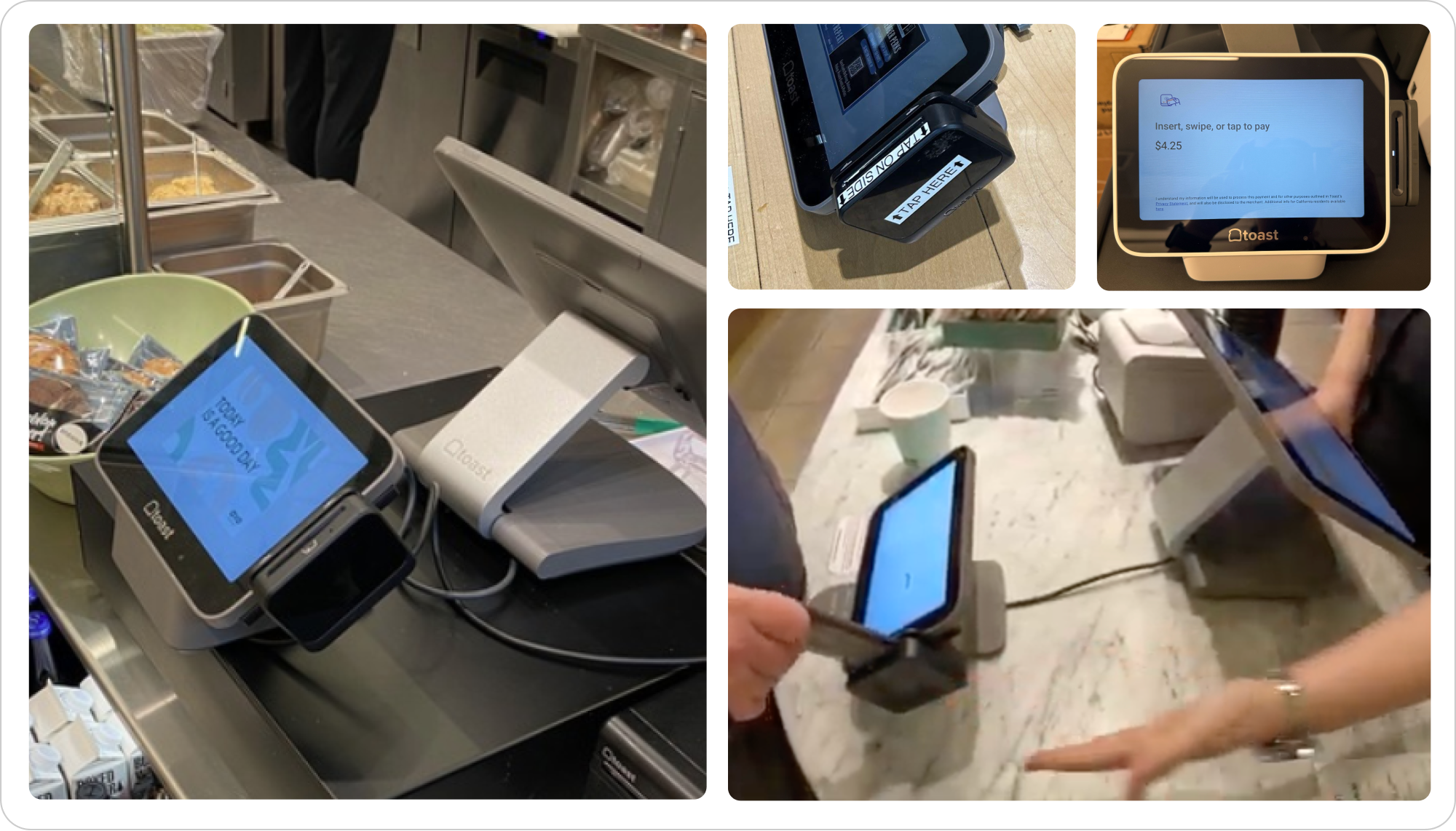
Hardware constraints led to incorrect interactions because users, overloaded with information, were inclined to react to the most prominent element: paying directly on the screen.
The design opportunity was to make the intended physical action unmistakable without adding more competing information.
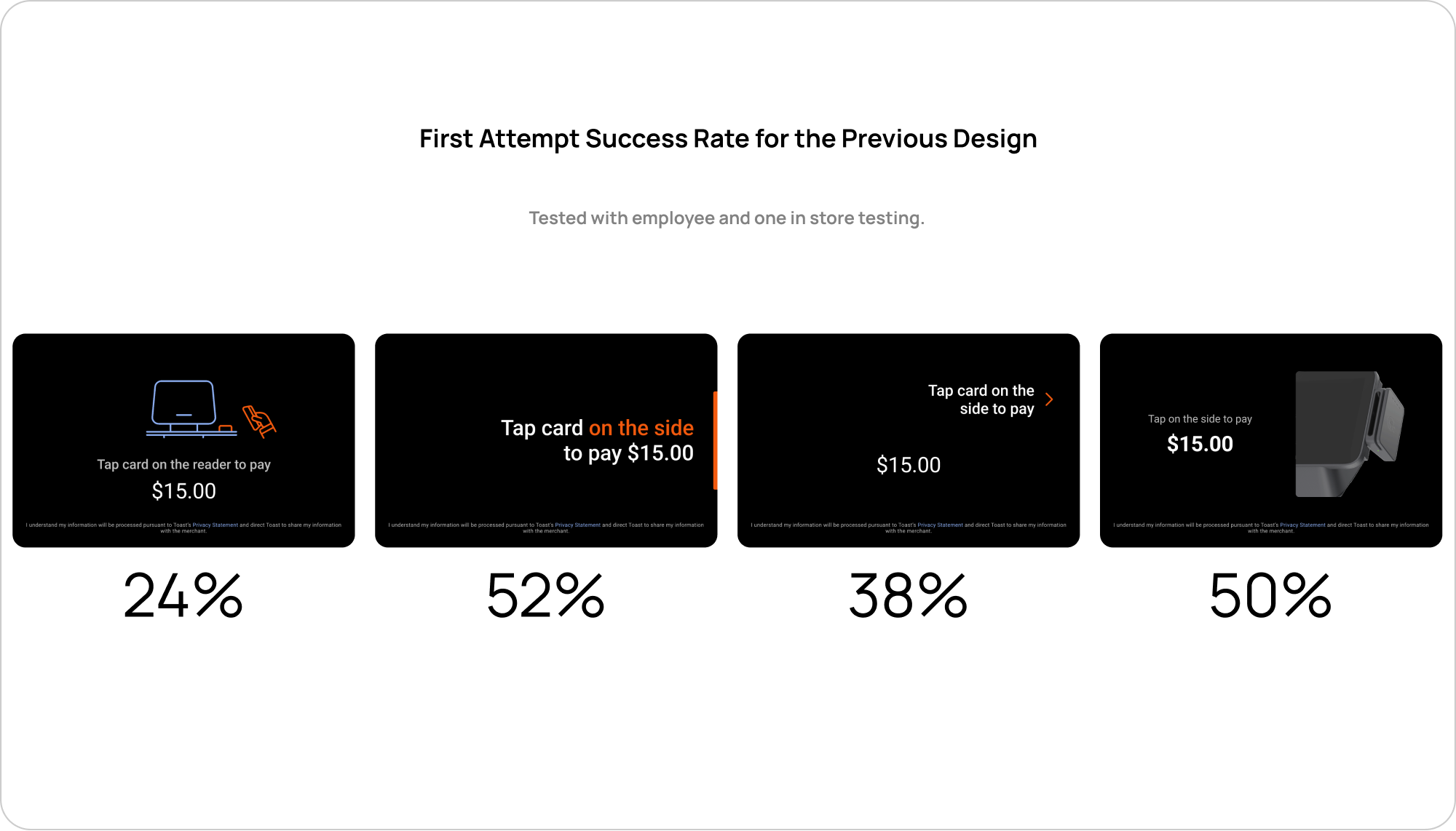
Research & validation
Triangulate behavior across three forms of testing
Each method answered a different question—from identifying interaction breakdowns quickly to understanding how the concept performed with customers and where visual attention landed.
Internal testing
Quickly identify interaction breakdowns and compare early prompt directions before broader testing.
Customer testing
Observe how customers responded to the payment experience with working hardware in context.
Online survey + heat map
Compare visual prompt concepts and understand which areas attracted attention across a broader remote study.
Solution
Use motion to direct attention at the moment that matters
Clear visual animation improved payment success, minimized confusion, and helped keep the service line moving.
What still needs validation
Test the experience across real device contexts
For key TDA use cases, additional customer testing data is needed—especially from kiosk setups—to accurately assess the real-world impact of the change.
Future consideration
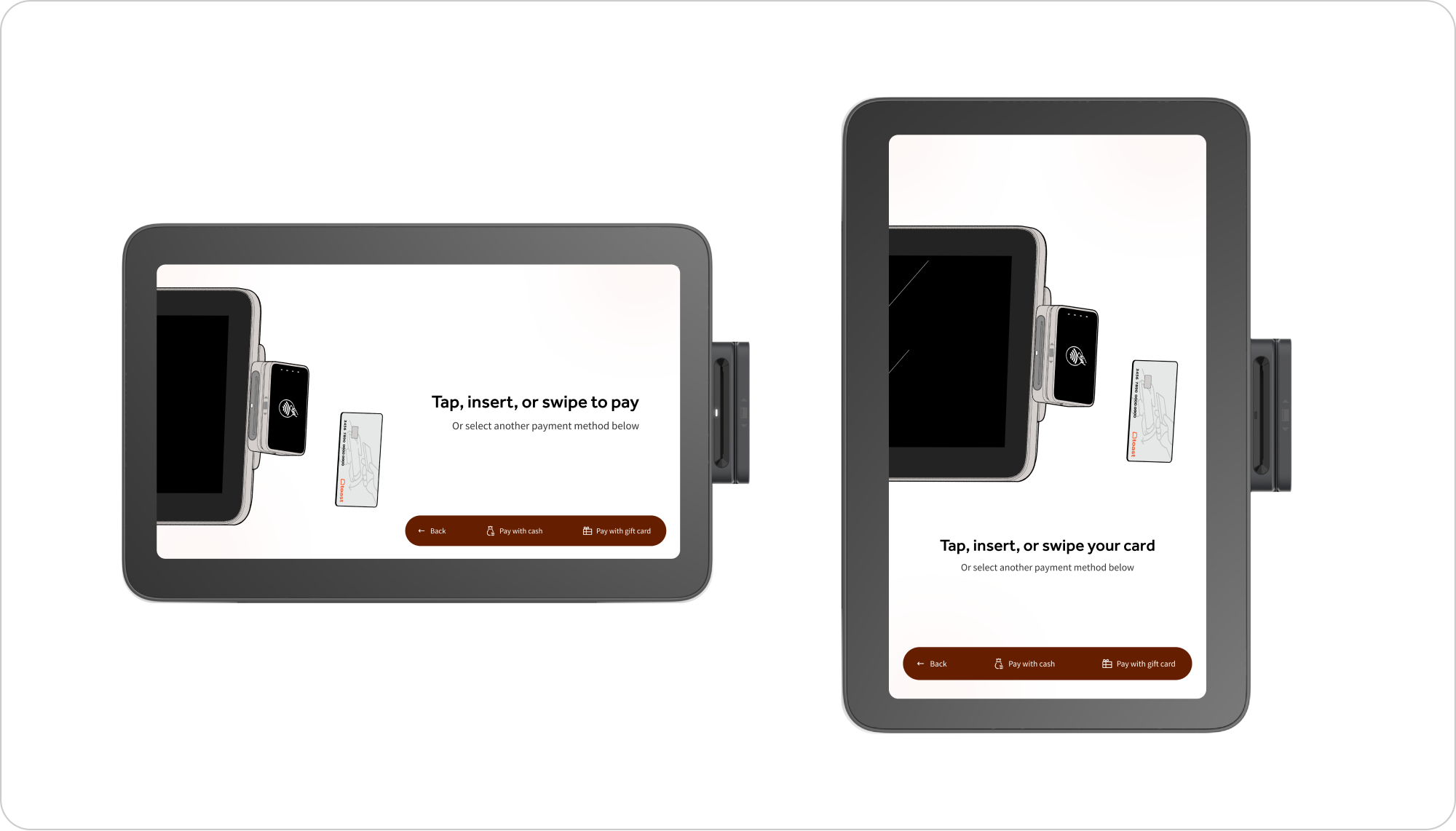
Adapt the motion system to different screen orientations
If time and resources allow, the next step is to define how the animation should adapt across landscape and portrait screen orientations.
Next project
Exploring AI Beyond the Screen
Exploring how voice, vision, and ambient intelligence can make restaurant hardware context-aware and proactive.